Event MAster Schedule
Event MAster Schedule


Ah, the elusive “master schedule”. This is for you, the attendees, and your volunteers! A schedule like this keeps everybody on the same page without having to ask the same questions over and over. Check out the info below to get started on creating your event’s master schedule today!
Where to begin…
-
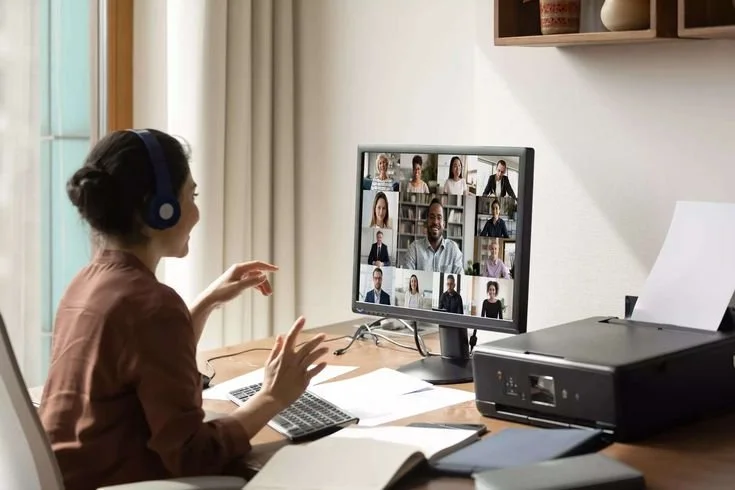
Communication between the team is key for any event’s success. Whether it’s Walkie-talkies, a group message that is pinned at the top of their messages, or a messaging app, on the day of the event constant communication is pertinent! You never know what might happen, and we do not want to find out alone! I’ll list some highly recommended communication tools below:
Zoom: best used for video calls/meetings. It is especially very helpful in the event planning stages when the whole team cannot meet in person.
Slack: perfect for project management, real-time updates and messaging and more! This could be used during planning and even the day-of.
Whatsapp: good for quick, informal communication. This is perfect for team communication during the event!
-
The activity timeline is a daunting one to iron out. Here’s a few key things to remember:
start with the highest priority level activity, maybe the paid music act
then move to the next biggest/important and so on
consider all time restrained activities and make sure to appropriately schedule them as well
stagger activities slightly so attendees have the chance to participate in everything
double check there is something for everyone at all times so no one is left behind!
-
There is definitely a difference between the volunteer’s schedule and the overall event schedule. You most likely would not show the volunteers schedule to the attendees at all!
Here are some tips for creating the perfect schedule for your team:
include details on when to show up, what is expected, communication details etc.
add the list of responsibilities and volunteers assigned
keep it concise and to the point
these should be given to the team in advance so they have ample time to prepare!
-
This schedule is a little bit more fun than the team’s schedule! This one should be in a flyer with other key info for attendees and passed out upon entry. Make it fun and aesthetic, including every detail of activity times and locations. Depending on formatting, you could also include summaries of events to avoid confusion for the more unconventional events!
Here are a couple useul tools for creating the best event schedule:
Piktochart: best tool for creating flyers
Canva: overall best tool for graphic design creations
CONTACT us!